

Locations
A location is a place where instruments stand: an intake, a filter hall, a reservoir. Every device belongs to one location, and every location has one tag. Data from a device is filed under its location’s tag unless something more specific applies, such as a FlowControl flow.
Open it from Locations in the left navigation.
The location list
Section titled “The location list”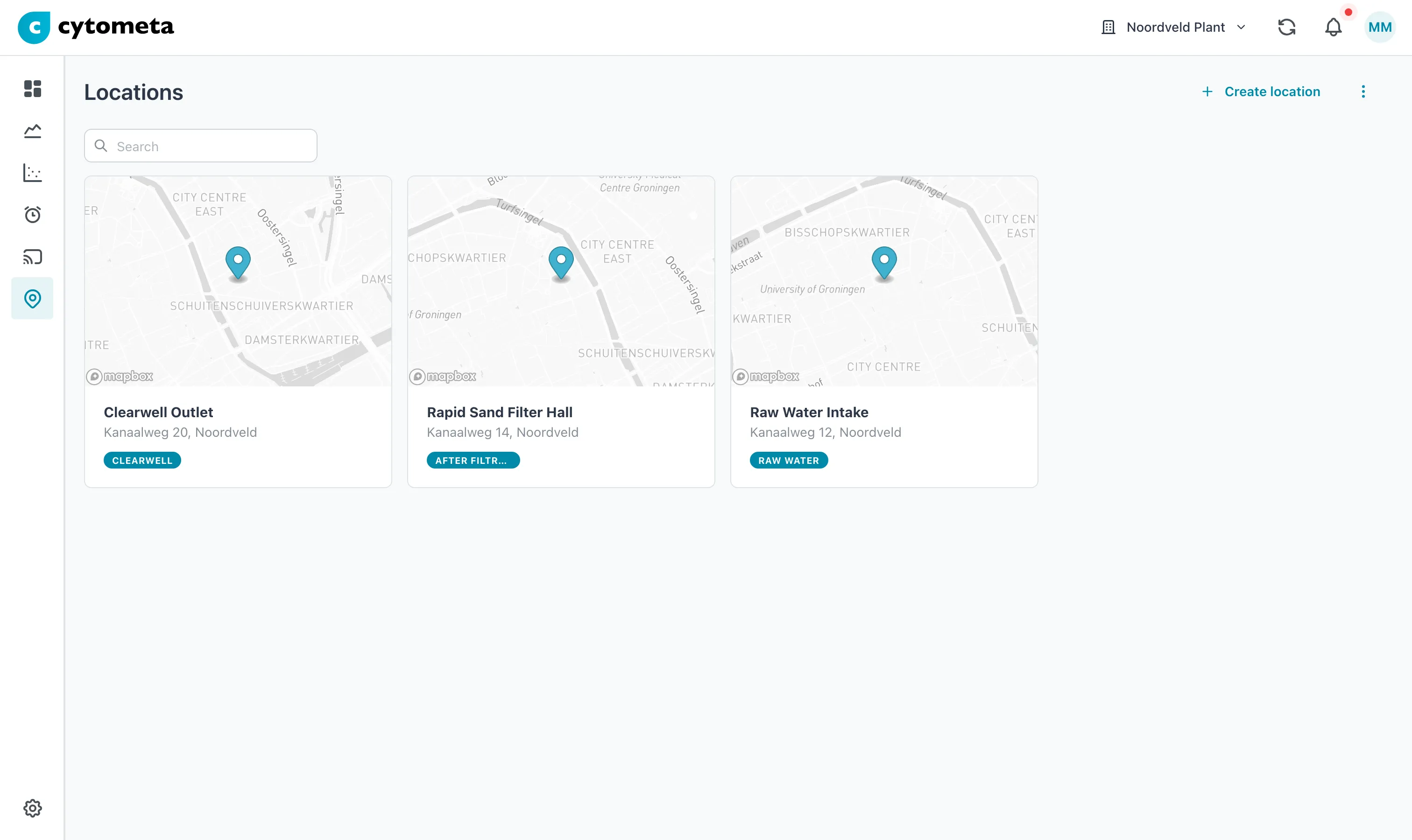 Each card shows the location on a map, its first address line and city, and its tag.
From top to bottom:
- Create location — adds a location. Shown to Managers and Admins only. See Create a location.
- The menu (⋮) with Refresh.
- A search field. It matches location names only, not addresses or tags.
- One card per location: a map thumbnail, the name, the first address line and city, and the location’s tag as a colored badge.
Select a card to open the location page. The list has no map view; use View on map on a location page.
The location page
Section titled “The location page”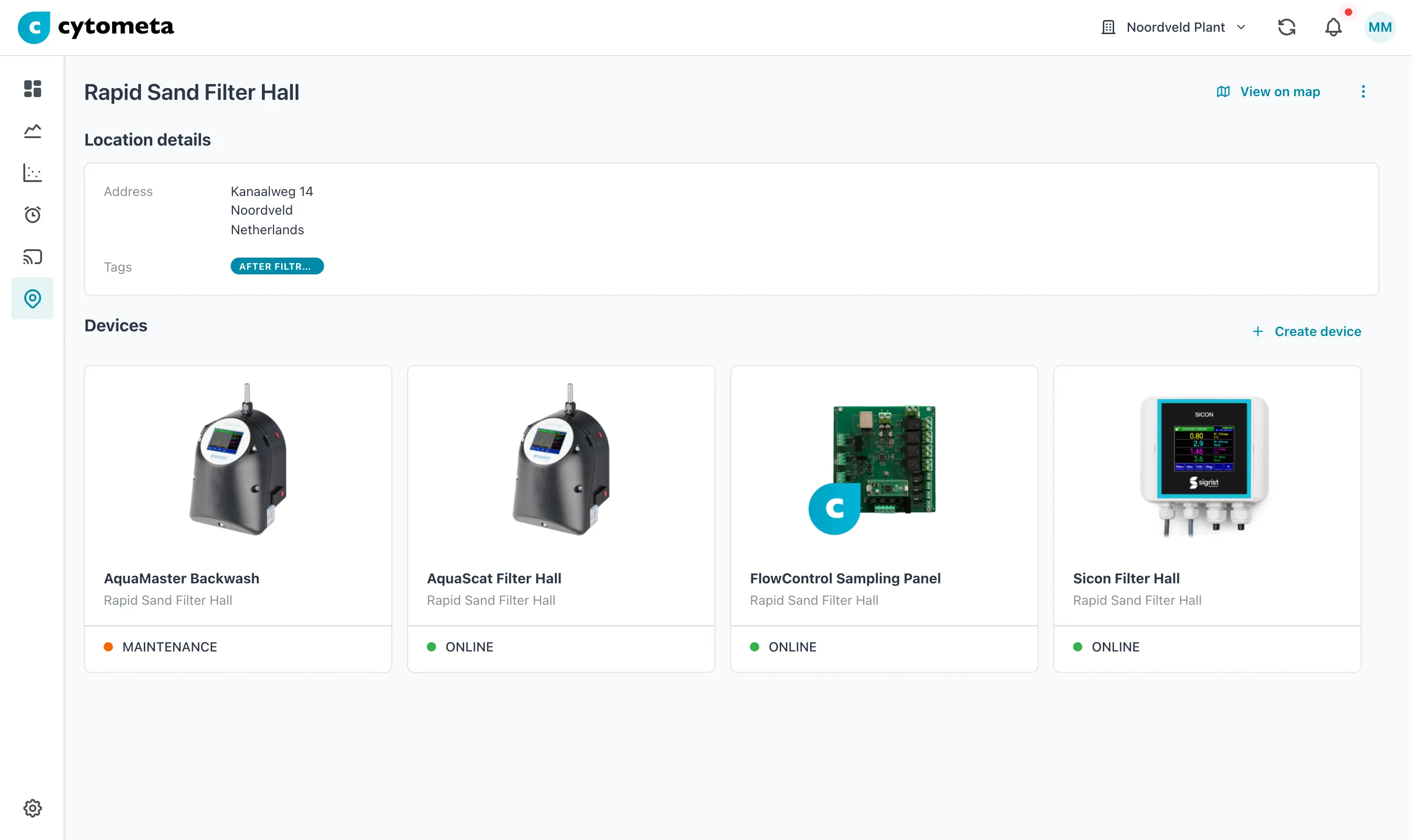 Location details holds the address and the tag; below it are the devices at this location, each with its state.
- Header — the location name, a back arrow, View on map (opens a map with the location marked), and the menu (⋮) with Refresh, Edit and Delete. Edit and Delete are shown to Managers and Admins only. On a phone, View on map moves into the menu.
- Location details — the Address (address lines, city, country) and Tags, the location’s tag.
- Devices — a card for every device at this location, with its status as on Devices. Create device opens the create dialog with this location already filled in.
Who can do what
Section titled “Who can do what”| Viewer | Operator | Manager | Admin | |
|---|---|---|---|---|
| See locations | ✓ | ✓ | ✓ | ✓ |
| Create, edit and delete locations | ✓ | ✓ |